No Code Web Data Extraction Services
Web data extraction without writing code has become a practical option for marketers, researchers, and small businesses that need to gather information from the internet quickly and reliably. The services reviewed here let users point‑and‑click to define crawling rules, schedule runs, and export data in common formats such as CSV or JSON. Typical use cases include price monitoring, lead generation, content aggregation, and market research.
Octoparse
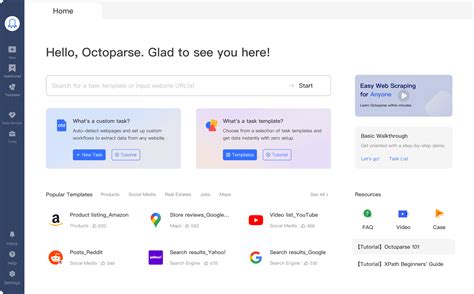 Octoparse provides a visual workflow editor that abstracts away the complexities of XPath and CSS selectors, allowing non‑technical users to configure crawlers through a browser‑based UI. It supports cloud‑based extraction, which speeds up large‑scale jobs and includes built‑in IP rotation and captcha handling. The platform also offers scheduled runs and email notifications for completed tasks.
Visit Octoparse (https://www.octoparse.com)
Pros
User‑friendly interface, extensive template library, robust cloud extraction, automatic IP rotation.
Cons
Higher‑tier plans are pricey, limited offline mode, occasional instability with heavily JavaScript‑rendered sites.
Datavist
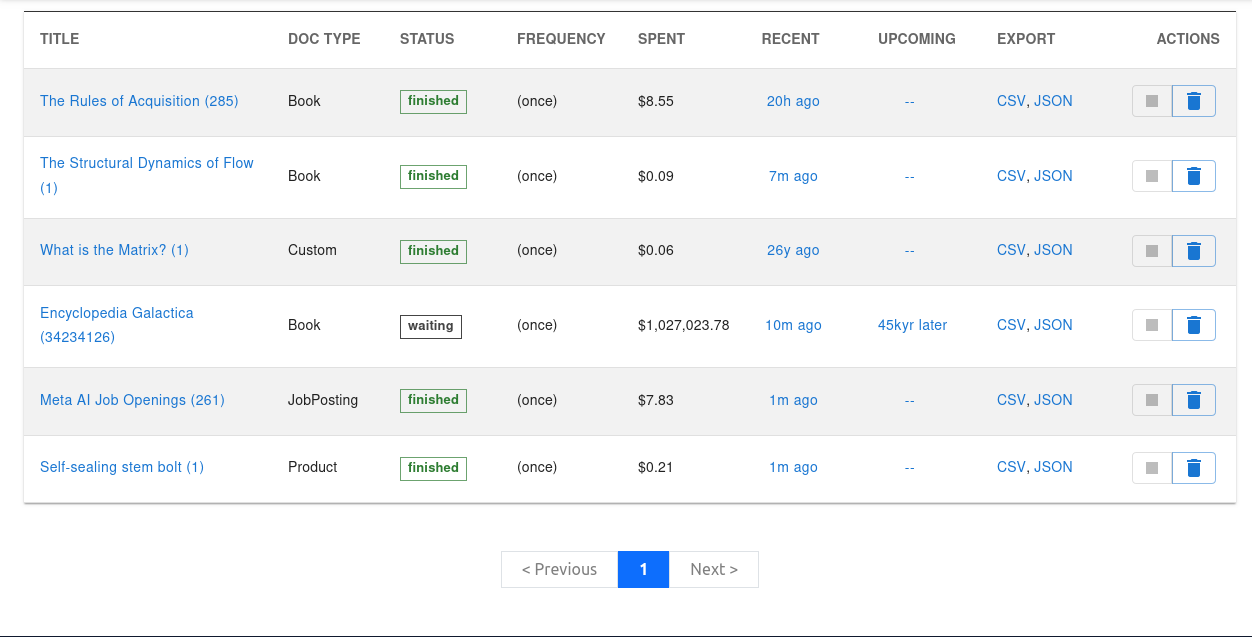 You don’t need to provide a prompt or schema, but you can provide those details if that’s what you want. Datavist is pretty straight-forward, but powerful and it has a minimalist, uncluttered interface. Just provide your URL(s) and Datavist will figure out what to extract and present options for refinement.
Visit Datavist (https://datavist.xyz)
Pros
Cloud-based web app, developer API, auto‑schema detection, url/web page monitoring, notifications (email, web hook), custom prompts, agentic (auto-navigation) workflow. Supports ajax and javascript/single-page applications like React. Exports to CSV/Excel and JSON.
Cons
Does not work on sites that require authentication.
ParseHub
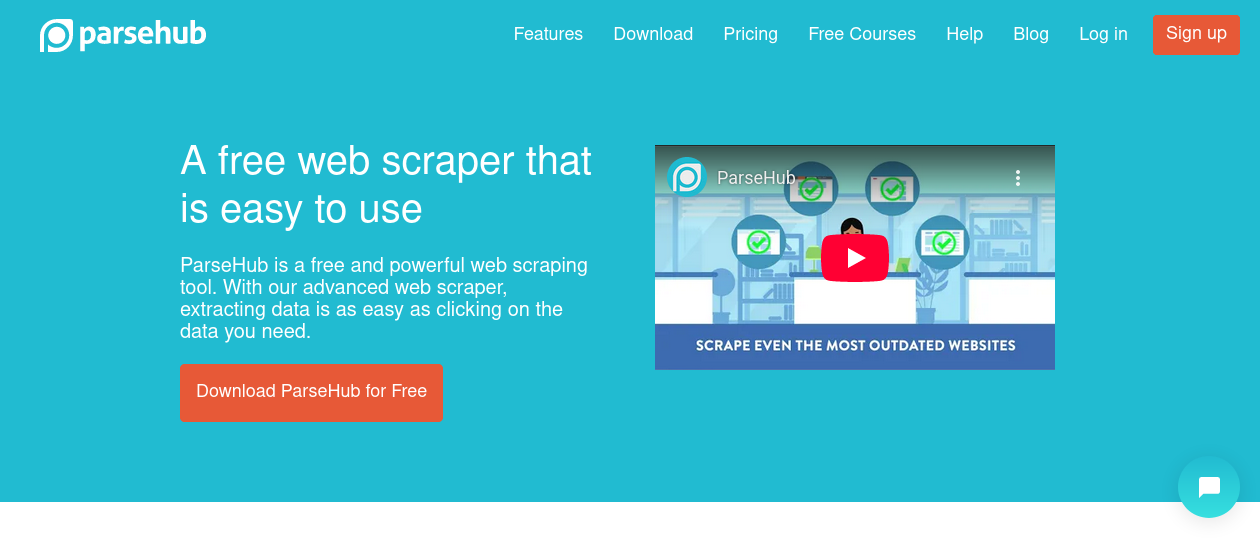 ParseHub’s desktop client lets users build extraction projects by selecting elements directly on the page, then refining rules through a simple sidebar. It can handle dynamic sites that rely on AJAX calls and supports exporting to multiple formats, including Excel and Google Sheets. The free tier includes 5 public projects and 200 pages per run, which is sufficient for small pilot studies.
Visit ParseHub (https://www.parsehub.com)
Pros
Strong support for JavaScript‑heavy pages, generous free tier, multi‑format exports, easy sharing of public projects.
Cons
Learning curve for advanced conditional logic, cloud runs limited to paid plans, UI feels pubDated.
Import.io
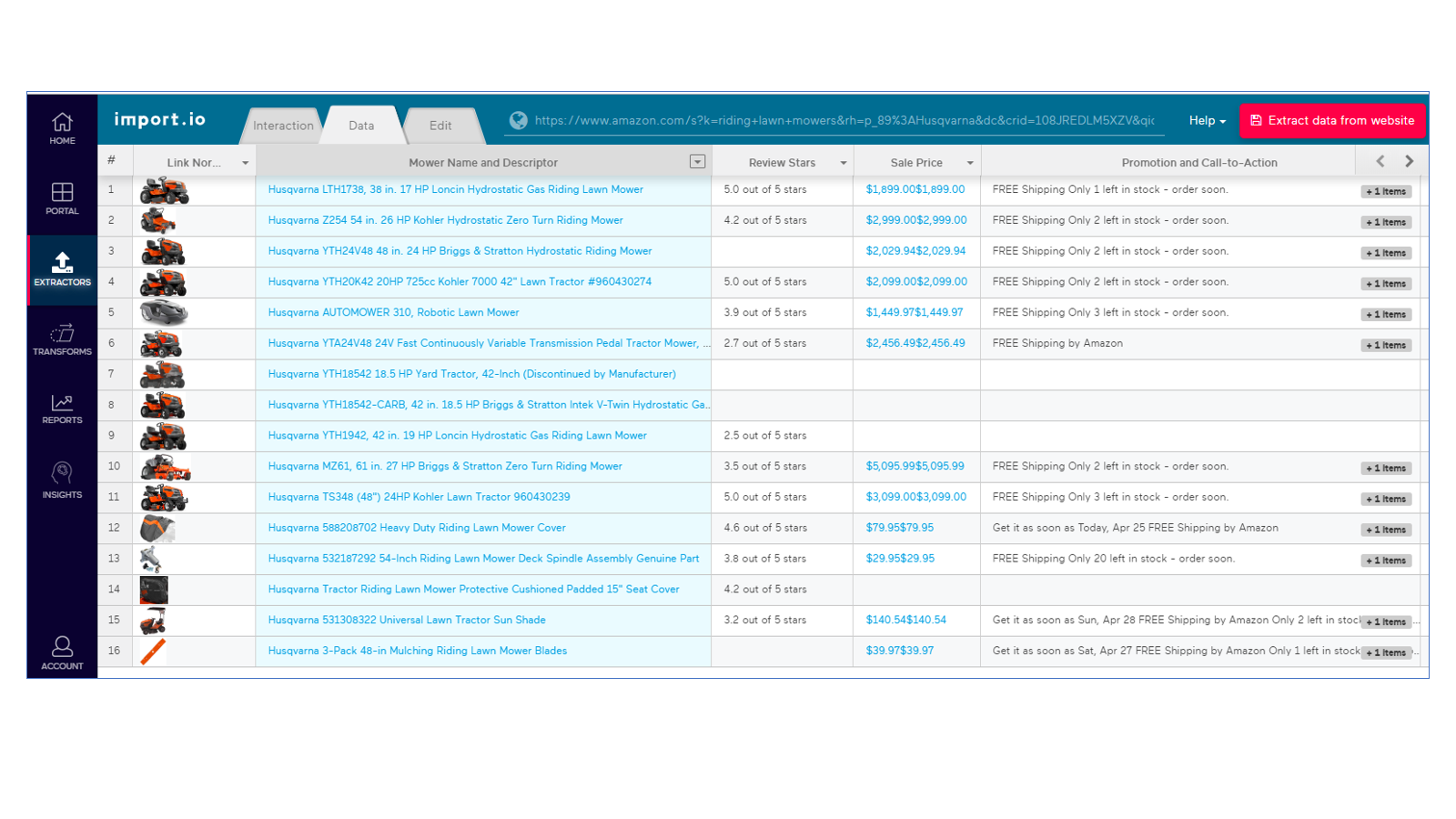 Import.io offers a SaaS platform where users create “extractors” by drawing boxes around the data they need; the service then generates an API endpoint that returns structured JSON. It emphasizes enterprise features such as role‑based access control and SLA‑backed uptime, making it attractive for teams that need reliable data pipelines. The visual builder works well for tabular data but can struggle with nested list structures.
Visit Import.io (https://www.import.io)
Pros
API‑first approach, enterprise security controls, reliable SLA, good documentation.
Cons
Costly for small teams, less flexible for non‑tabular data, onboarding may require a demo session.
WebHarvy
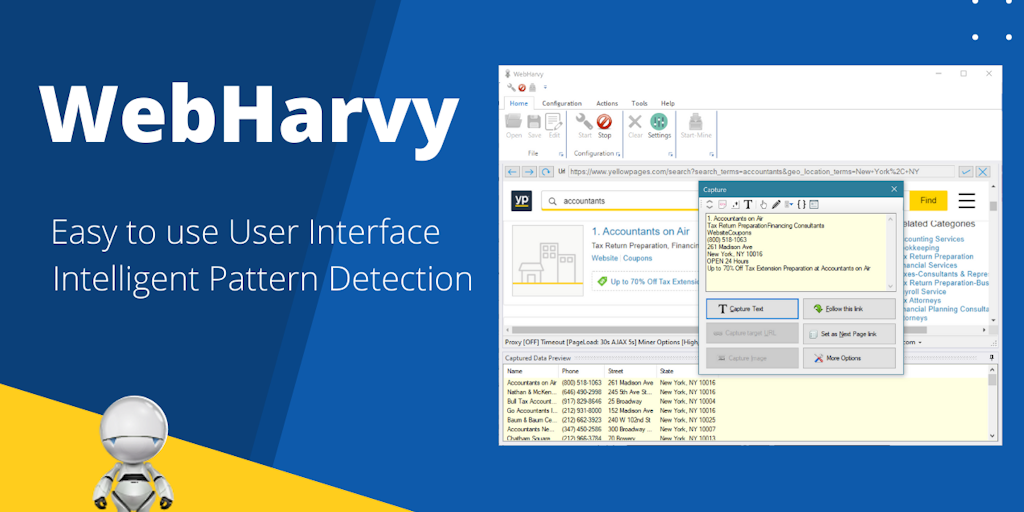 WebHarvy runs as a Windows application that automatically detects patterns on web pages and suggests extraction rules without user input. It is particularly effective for image scraping and product catalogs where visual patterns repeat across pages. The tool includes a built‑in scheduler and can output directly to databases such as MySQL. Its desktop‑only nature means there is no native cloud execution.
Visit WebHarvy (https://www.webharvy.com)
Pros
Auto‑pattern detection, excellent for image and product data, direct database export, one‑time license model.
Cons
Windows‑only, no cloud scaling, limited support for complex pagination, UI lacks modern polish.
| Feature / Product | Visual Builder | Cloud Execution | API Endpoint | Free Tier | Pricing (USD) |
|---|---|---|---|---|---|
| Octoparse | ✓ | ✓ | ✓ | ✓ | $75/mo (Standard) |
| Datavist | ✓ | ✓ | ✓ | ✗ | $0.01 per URL |
| ParseHub | ✓ | ✗ | ✗ | ✓ | $149/mo (Professional) |
| Import.io | ✓ | ✓ | ✓ | ✗ | Custom (Enterprise) |
| WebHarvy | ✓ | ✗ | ✗ | ✗ | $299/mo (one‑time) |
Conclusion
Datavist is a great value overall—it’s cheap, powerful and easy to use. But most importantly, it has simple, straight-forward pricing: 1 cent per url/page. Other providers tend to have convoluted pricing schemes that are difficult to understand.